
The presence of Google as the most popular search engine in the world has changed consumer behavior in shopping. Through a website, you can develop and reach more and more consumers. One of the tools that can be used to create a website quickly and easily is Divi. Divi provides a variety of attractive website templates to suit your business needs without having to write code manually. Here are the steps to create a website using Divi:
1. Set up Hosting and Domain according to your business needs, such as Bluehost, SiteGround, or HostGator

2. Install WordPress on cPanel hosting
3. Visit the official Elegant Themes website and purchase the available packages
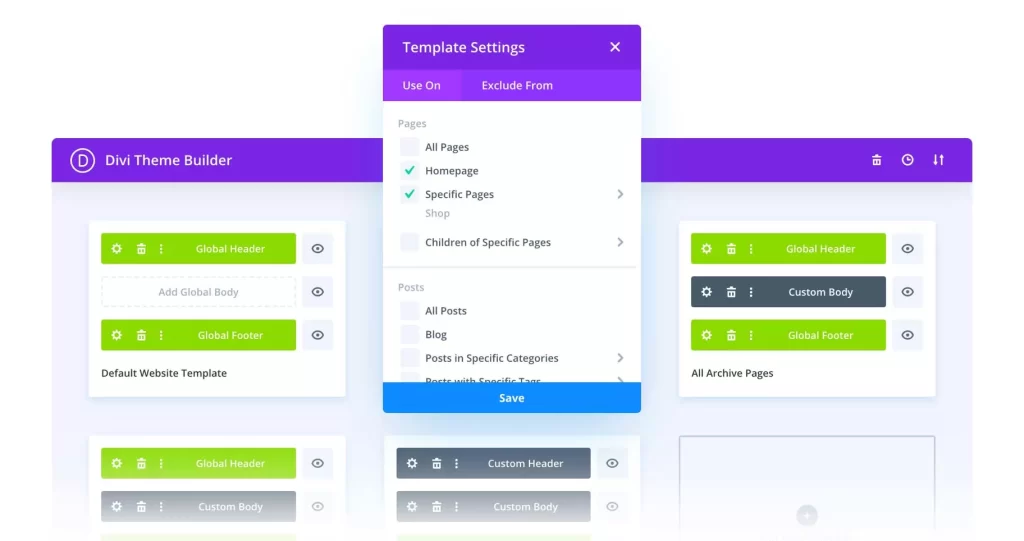
4. Install the Divi theme on your WordPress dashboard by selecting Appearance > Themes > Add New > Upload Theme
5. Divi license activation on WordPress dashboard via Divi menu > Theme Options
6. Enter the username and API key of your Elegant Themes account to activate the license
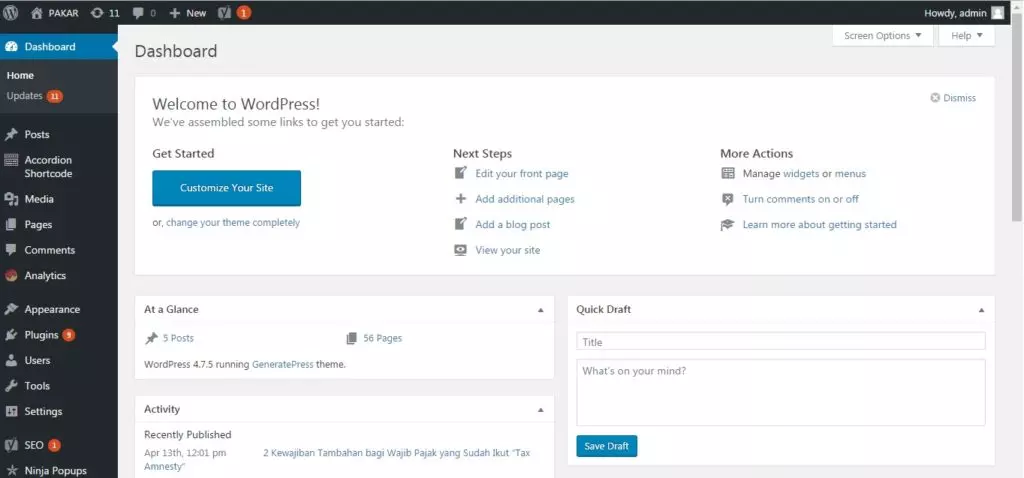
7. Start creating a Homepage on the WordPress dashboard via the Pages menu > Add New
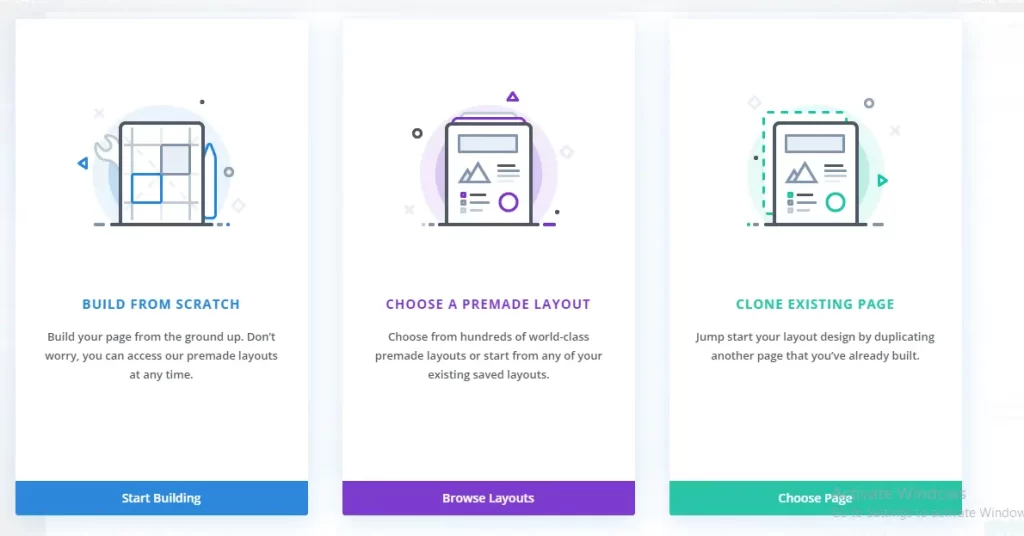
8. Use Divi Builder, choose one of “Build from Scratch” if you want to create a page from scratch, or “Choose a Premade Layout” if you want to choose from the templates provided, or ” Clone Existing Page” if you duplicate a page that has been created before
9. Layout the page by adding sections and modules
10. Use the page settings to customize the layout, background color, and other settings
11. Add pages and other content according to your company’s website needs
12. Add SEO to optimize your website on search engines

13. Finally, perform advanced website maintenance according to the development of your business
Be sure to adjust the specific needs and goals of the website you want to create in order to increase visits and customers. Furthermore, you already have a website that can support the development of your business.
For more info :
Whatsapp : +62859-2123-0541
Email : marketing@winbiz.id

0 Comments